How to Download Facebook Videos and Reels
Updated: 2026-10-17TrendSave saves public Facebook videos and Reels in the best quality available. It works on iPhone, Android and computers.
TrendSave saves public Facebook videos and Reels in the best quality available. It works on iPhone, Android and computers.
Supports TikTok and Facebook videos, photo slideshows and music. Works on phone, tablet and PC.
On Facebook, tap Share under the video or Reel and choose Copy link.
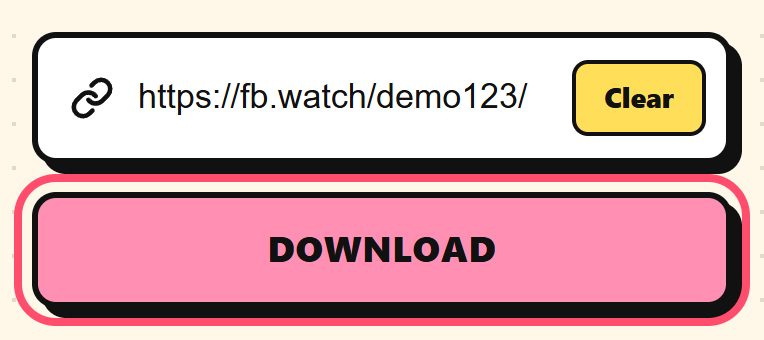
Go to trendsaveapp.com, paste the link and tap Download.
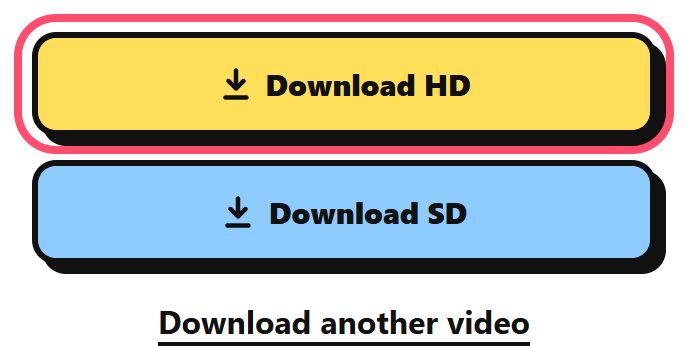
Tap Download HD for the sharpest picture, or Download SD for a smaller file.
Only public videos can be downloaded. Videos in private groups or shared with friends only are not supported.
Yes. Copy the link of the Reel and paste it into TrendSave like any other video.
The video may be private, deleted or only visible to friends. Check that the video is public and try again.
HD is sharper but larger. SD is smaller and quicker to download on mobile data.