How to Download TikTok Photo Slideshows
Updated: 2026-10-17TikTok photo posts are shown as a slideshow. TrendSave lists every photo so you can save them in their original resolution.
TikTok photo posts are shown as a slideshow. TrendSave lists every photo so you can save them in their original resolution.
Supports TikTok and Facebook videos, photo slideshows and music. Works on phone, tablet and PC.
Open the TikTok photo post, tap Share and then Copy link.
Go to trendsaveapp.com, paste the link and tap Download.

Tap Download under each photo, or tap Download all photos (ZIP) to get them in one file.
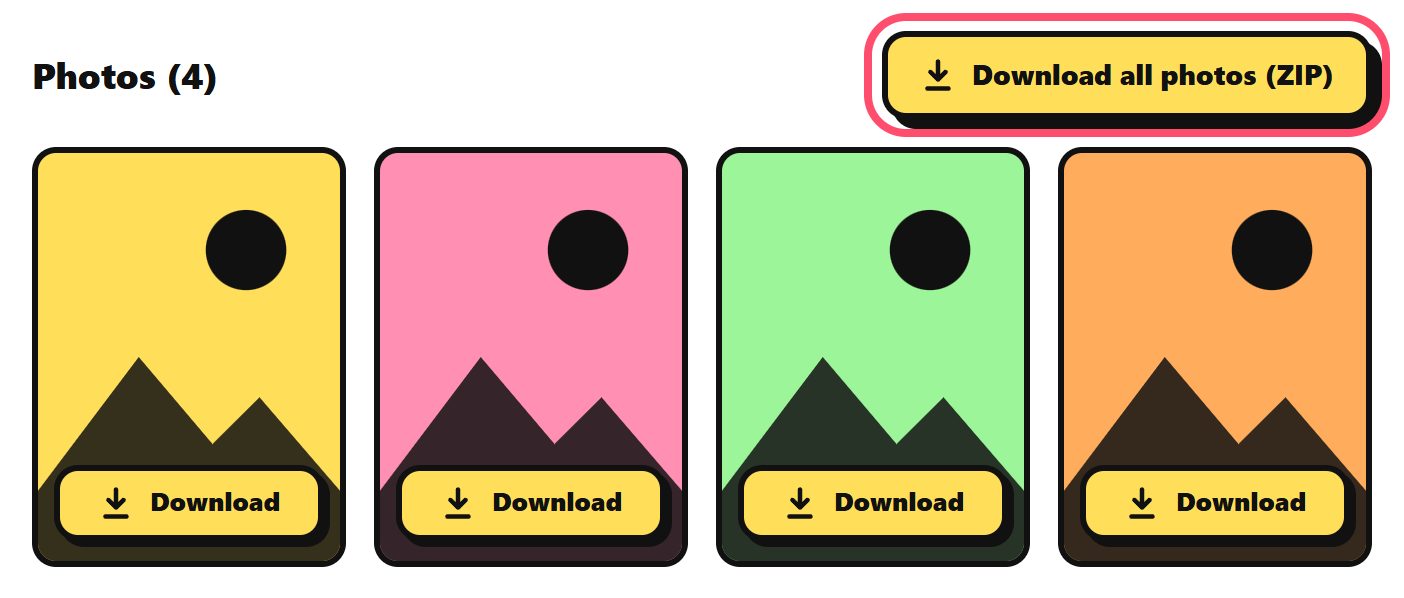
On iPhone, the ZIP file is saved in the Files app. Tap it once to unzip, then select the photos and save them to Photos.
Yes. TrendSave gives you the original images TikTok stores for the post.
Yes. Tap Download MP3 to save the sound used in the slideshow.
Windows, macOS, iPhone and most Android phones open ZIP files by default. Tap or double click the file to unzip it.