How to Download TikTok Videos on iPhone Without Watermark
Updated: 2026-10-17All you need is Safari, which is already on your iPhone. No app to install and no account. Follow the 4 steps below, it takes less than a minute.
All you need is Safari, which is already on your iPhone. No app to install and no account. Follow the 4 steps below, it takes less than a minute.
Supports TikTok and Facebook videos, photo slideshows and music. Works on phone, tablet and PC.
Open TikTok, choose a video, tap Share and then Copy link.
Open Safari, go to trendsaveapp.com, paste the link and tap Download.

Tap Download without watermark, then tap Download when Safari asks.
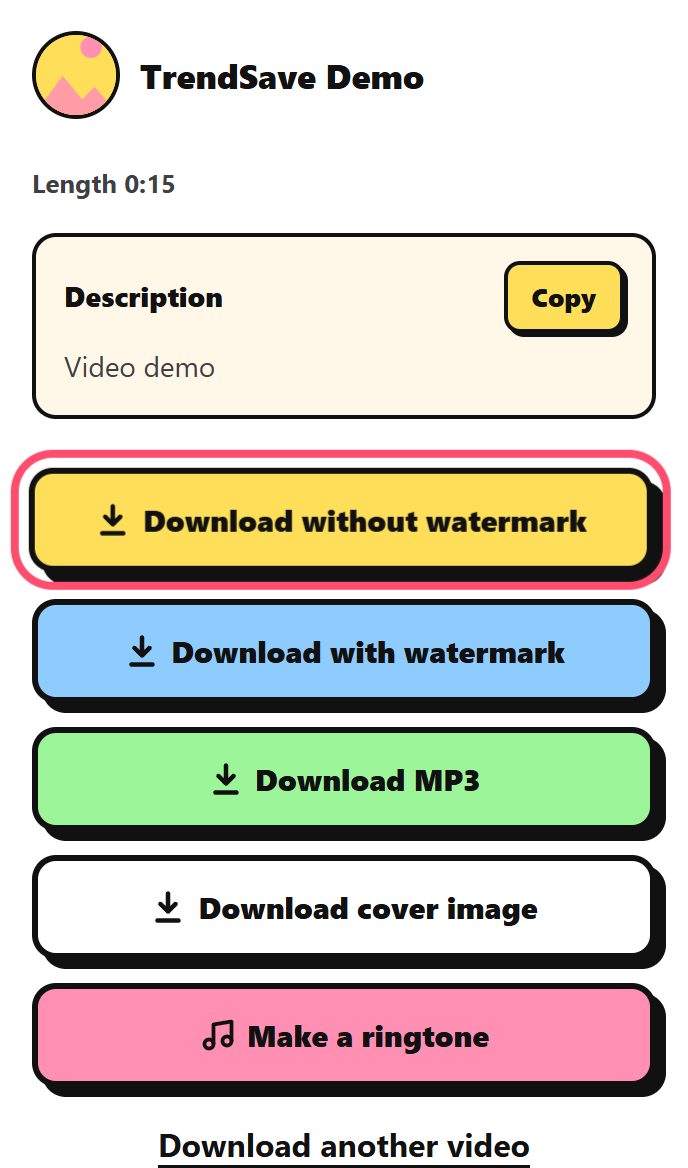
Open the Files app, go to Downloads, open the video, tap Share and then Save Video.
If Safari plays the video instead of downloading it, touch and hold the download button and choose Download Linked File.
Safari saves it in the Files app, in the Downloads folder. From there you can save it to Photos.
Downloads go to the Files app first. Open the video in Files, tap Share and choose Save Video to copy it to Photos.
No. Everything works in Safari on iOS 13 or later.