How to Download TikTok Videos on Android Without Watermark
Updated: 2026-10-17On Android you only need a browser such as Chrome. The video is saved to your phone and shows up in your gallery.
On Android you only need a browser such as Chrome. The video is saved to your phone and shows up in your gallery.
Supports TikTok and Facebook videos, photo slideshows and music. Works on phone, tablet and PC.
Open TikTok, choose a video, tap Share and then Copy link.
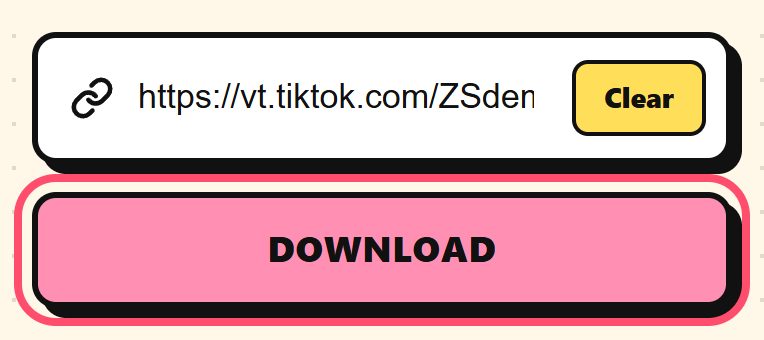
Open Chrome, go to trendsaveapp.com, paste the link and tap Download.
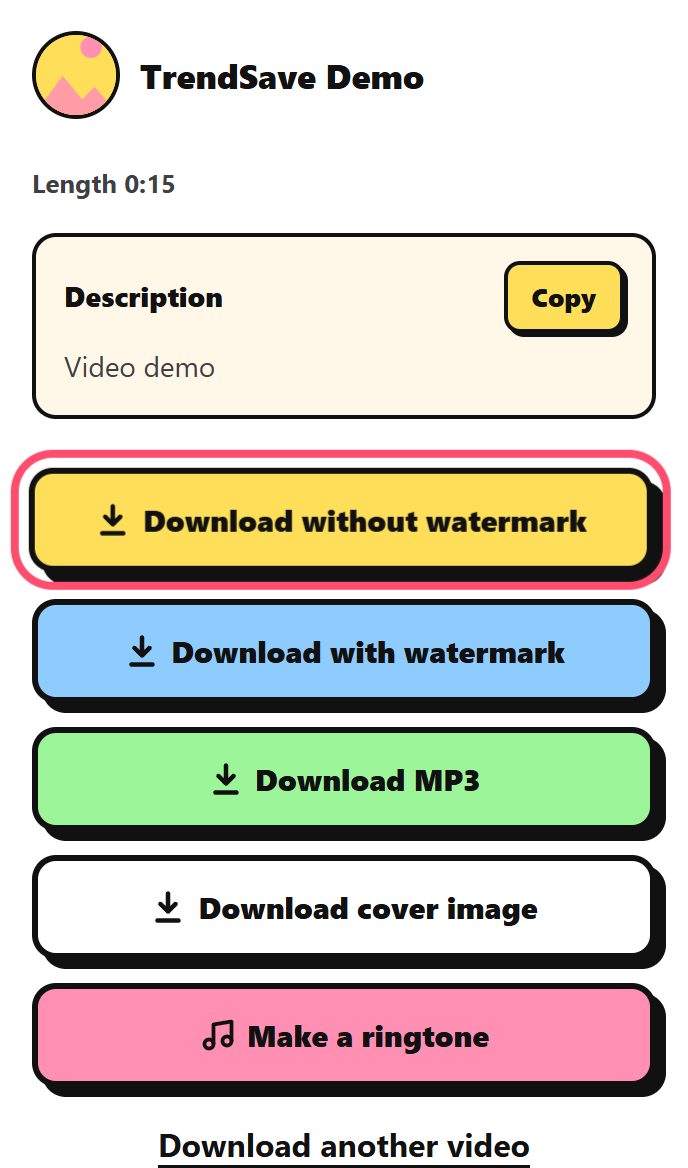
Tap Download without watermark. The video is saved to the Download folder and appears in your gallery.
Tap the Install the app button on TrendSave to add it to your phone. Then you can share videos from TikTok straight to TrendSave without copying the link.
In the Download folder. Open the Files or My Files app, or look in your gallery app.
Some gallery apps take a moment to refresh. Open the Files app, go to Download and open the video from there.
Yes. It works on any Android phone with a modern browser.