How to Download TikTok Music as MP3
Updated: 2026-10-17Heard a song or sound on TikTok you want to keep? TrendSave extracts the audio of any public TikTok video as an MP3 file.
Heard a song or sound on TikTok you want to keep? TrendSave extracts the audio of any public TikTok video as an MP3 file.
Supports TikTok and Facebook videos, photo slideshows and music. Works on phone, tablet and PC.
Open the TikTok video that uses the sound, tap Share and then Copy link.
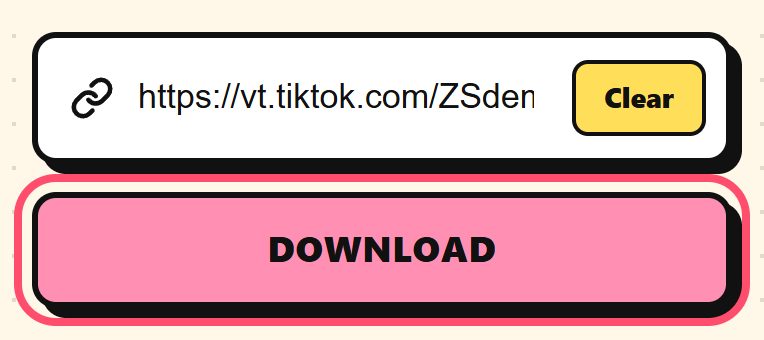
Go to trendsaveapp.com, paste the link and tap Download.
Tap Download MP3. The audio file is saved to your device.
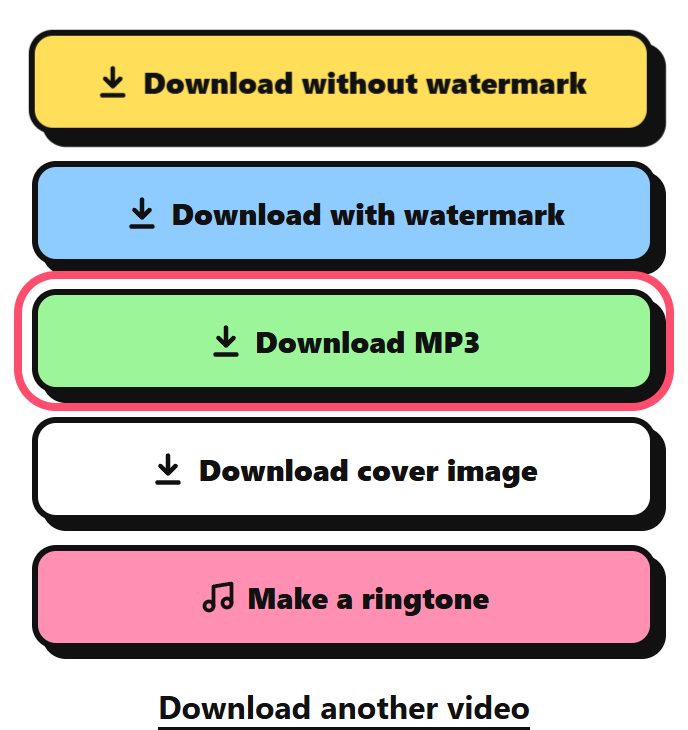
Want to use the sound as a ringtone? Use the Ringtone tool in the menu to cut the best part and download it for iPhone or Android.
You get the audio TikTok uses for that video. For many sounds this is a short clip, not the full song.
On a computer and Android, in the Downloads folder. On iPhone, in the Files app under Downloads.
MP3 files are for personal use. Please respect the copyright of artists and creators.